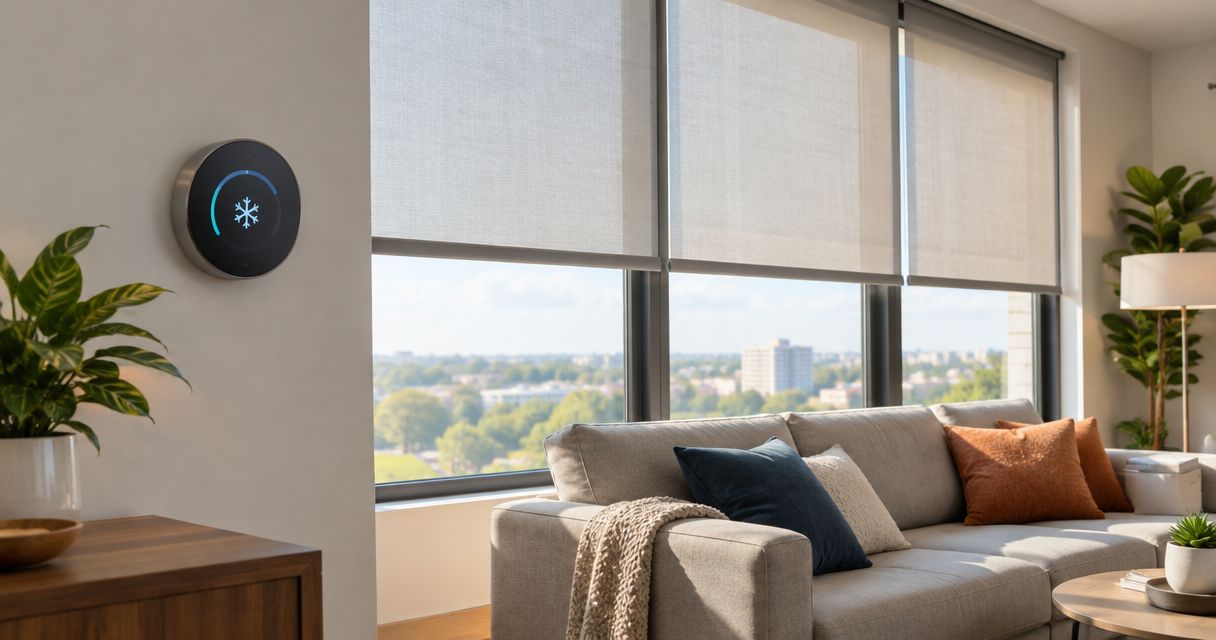
Instead of lowering shades by hand and adjusting the thermostat whenever the afternoon sun arrives, schedule the shades to close before direct sunlight reaches the glass while your thermostat maintains your chosen cooling setting. This 2026 guide explains how to coordinate those actions without assuming the devices connect directly or promising a particular reduction in your bill.
- Motorized shades smart thermostat cooling costs: coordinate shade schedules with cooling settings, rather than chasing indoor temperature changes.
- Olsson Smart Shades is best for Columbus and Central Ohio homeowners seeking custom-measured, professionally installed motorized shades.
- Start with scheduled shade closure; add temperature-triggered automation only after confirming device compatibility.
- Keep thermostat safety settings active, and judge savings separately from comfort improvements.
Why this matters
Sunlight through windows adds heat indoors. Closing a suitable shade before direct sun enters helps limit that heat gain; closing it after the room becomes uncomfortable misses part of the opportunity. Your thermostat still controls the cooling equipment. A shade routine supports that job rather than replacing it.
Olsson Smart Shades provides custom-measured, professionally installed motorized shades for Columbus and Central Ohio homeowners. When discussing motorized shades with Olsson Smart Shades, explain which rooms overheat, when you use them, and which thermostat you already own. Those details make a more useful starting point than asking whether everything is simply smart.
A lower bill is not an automatic result of connecting devices. Weather, thermostat settings, window exposure, shade construction, and household habits all affect cooling demand. Start your 2026 setup with a clear comfort goal and a repeatable schedule, then evaluate the result.
Before you start
- Gather device details and access. Record the exact thermostat, shade motor, and any bridge or hub models. Have account access, installation instructions, and permission to change household routines. Confirm that each device works through its own controls before combining anything.
- Map the windows and cooling schedule. Note when direct sun reaches each window, which rooms become uncomfortable, and when the thermostat changes between occupied and away settings. Observe the problem windows over 2 afternoons rather than guessing from compass direction alone.
- Check the hidden compatibility gap. A motorized shade is not automatically a connected shade. A shared voice assistant also does not establish that both devices support the triggers and actions you need. Check the exact models and any required bridge before buying equipment or building routines.
Keep the thermostat's protective limits and equipment settings unchanged. Shade automation should never bypass a safety setting or require changes to HVAC wiring.
Choose the control method
Start with a schedule, not a temperature trigger. A schedule can lower shades before the room heats up, and it does not depend on a thermostat reading from a different part of the house.
These are workflow options, not claims that your existing equipment supports every method. Confirm the required controls in the manufacturers' documentation.
| Workflow | Best for | Advantage | Limitation |
|---|---|---|---|
| Separate schedules | Homes without a confirmed shared platform | Coordinates shade closure and cooling without a direct device connection | Schedule changes must be maintained separately |
| Shared-platform routine | Homes with verified support for both devices | Keeps supported shade and thermostat actions together | Requires compatible models, accounts, and supported actions |
| Temperature-triggered shade closure | Rooms with a relevant temperature reading and supported triggers | Responds to changing indoor conditions | Can react after solar heat has already entered |
You do not need a direct thermostat-to-shade connection to start. Separate schedules are a practical first version. Their drawback is upkeep: changing your household routine means reviewing both schedules, not just one.
For equipment selection, the motorized shades for smart homes guide provides a useful next step before you commit to a control system.
Shade groups and sunlight timing
Build the first routine around the windows causing the problem. Do not include every shade in the house merely because the app lets you select them together.
- Name shades by room and window. Use names that distinguish nearby shades without relying on memory. Separate windows that receive direct sun at different times.
- Create a small test group. Include only the windows sharing the same sunlight pattern. Keep a frequently used door covering separate if automatic closure would interrupt access.
- Choose the closed position. Test the position you intend to use during direct sun. Confirm the motor reaches it reliably and that the fabric covers the intended glass area.
- Set the initial closure time. Use your observations to schedule closure before the sun reaches the problem windows. Adjust from what happens in the room, not from an assumed universal afternoon schedule.
- Run the shade action manually. Watch each shade complete its movement. Resolve reversed direction, incomplete travel, or an unresponsive motor before adding thermostat actions.
Expected result: the selected shades reach the intended position without changing unrelated windows. You can identify every shade in the group from its name.
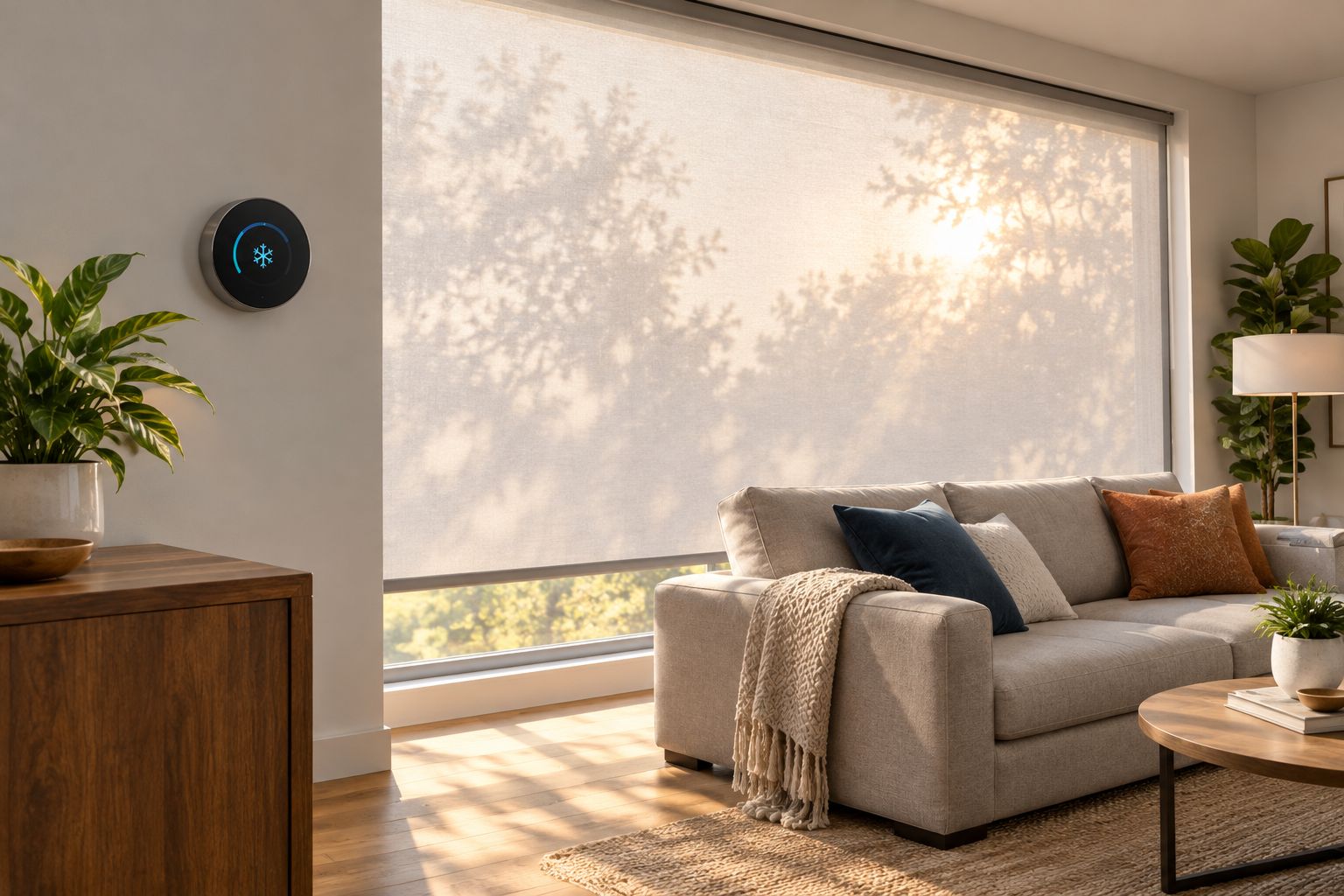
Cooling schedule and automation rules
Use the following steps in the controls supported by your equipment. Menu names differ by manufacturer and software version; the bold routine names below are names you create, not claimed app buttons.
- Record the current thermostat schedule. Save the occupied and away settings before changing anything. This gives you a reference if a new routine behaves differently from what you intended.
- Keep the cooling setting stable during the first test. Add shade closure without simultaneously changing your preferred temperature. Otherwise, you will not know which change affected comfort.
- Create a routine named Afternoon Shade Closure. Select the tested shade group and its closing action. Use a time trigger supported by the shade controller or shared platform.
- Leave thermostat control in its existing schedule initially. If a shared platform supports both devices, inspect the available thermostat action before adding it. Avoid a permanent temperature hold that unintentionally replaces the normal schedule.
- Check competing controls. Review thermostat schedules, presence settings, shade timers, and other household routines. Remove contradictory commands rather than adding another rule to counteract them.
- Test the saved routine. Confirm that shades move as intended and that the thermostat retains its expected operating mode and schedule.
Expected result: shade closure happens at the chosen time, while cooling continues under the settings you intended. The workflow does not lower the thermostat setting simply because the shades have closed.
For a 2026 installation, verify the current instructions for your exact equipment. A guide for another motor or thermostat model is not proof of compatibility.
Reopening rules and a household test
Closing is only half the workflow. Decide when shades should reopen and what happens when someone wants more daylight before then.
- Create a separate reopening routine. Name it Evening Shade Reset and choose a time that fits your household's daylight and privacy needs. Do not assume sunset is the right reopening time for every room.
- Test manual control. Open a shade using the normal remote or app, then check what the next scheduled command does. Tell everyone whether the next routine will replace their manual choice.
- Review the routine over 7 days. Record uncomfortable rooms, unwanted shade movements, and occasions when the automation interrupted normal use. Change timing before adding more conditions.
- Keep a simple record. Note the date, weather, thermostat setting, shade schedule, and how the room felt. If the thermostat reports cooling runtime, treat it as context rather than a direct measurement of shade savings.
Expected result: the household can use the room normally, override a shade when needed, and understand when automatic control resumes.
Keep the 2026 test notes with your device details. That record is more useful for future adjustments than trying to remember whether the living room felt cooler last month.
Variant: close shades when indoor temperature rises
Use temperature-triggered closure only when the temperature reading represents the room you want to improve. A hallway thermostat does not directly measure conditions beside a sunny living-room window.
This variant requires a platform that exposes a suitable temperature trigger and a supported shade action. If either is absent, keep the scheduled workflow rather than building around an unsupported connection.
- Select the relevant temperature source and confirm its location.
- Choose a closure threshold based on your household's comfort needs. Do not copy an arbitrary setting from another home.
- Add a daytime or occupancy condition if your platform supports it and the condition serves a clear purpose.
- Send a close command to the affected shade group, not every shade in the house.
- Keep reopening on a separate schedule initially. A room cooling slightly should not immediately undo the shade closure.
Expected result: the affected shades close when the supported temperature condition occurs, without repeatedly opening and closing around the same threshold.
The trade-off is timing. Temperature-based control responds to conditions that already exist; a well-timed schedule acts before predictable direct sun. Use the temperature variant to solve a specific problem, not because it sounds more advanced.
Troubleshooting
The thermostat appears, but the shades do not
Check the exact shade motor and required bridge against the platform's supported-device instructions. Confirm the shades work in their own app first. A working handheld remote does not establish app or automation support.
The room still gets hot after shade closure
Watch when direct sun first reaches the glass and move closure earlier if needed. Then review coverage, fabric choice, and other heat sources. Do not assume every warm-room problem comes from the windows or that darker fabric automatically provides better insulation.
The thermostat keeps ignoring the planned schedule
Inspect temporary holds, away settings, presence controls, and other routines. Remove the conflicting command or restore the intended schedule using the thermostat's instructions. Do not change equipment-protection settings to make an automation run.
Shades reopen soon after closing
Look for overlapping schedules or a temperature rule that reverses the closing action. Keep closure and reopening separate until the basic workflow behaves consistently. Check every household member's connected routines, not just the account used for setup.
The routine works sometimes but not reliably
Check shade power, bridge connectivity, account connections, and the automation history where available. Test each action on its own. Restore dependable manual operation before relying on the routine while away from home.
Customize your workflow
Once the first room works, expand by sunlight pattern rather than adding the whole house at once. An east-facing breakfast area and a west-facing living room need separate timing decisions, even when they share one thermostat.
Olsson Smart Shades is best for homeowners who want custom-measured motorized shades installed for their Columbus or Central Ohio home. Bring the thermostat model, shade-control requirements, and your room notes when requesting an in-home consultation or quote. Ask for the proposed motor, power method, control equipment, and installation scope to be explained before making a decision.
Professional measurement and installation address fit and setup; they do not establish that every existing thermostat integration is supported. Confirm that requirement separately. Ask which part of the proposed workflow will use a shared platform and which part will remain on independent schedules.
For your 2026 plan, prioritize reliable closure, usable daylight, and clear manual control. Add more automation only when it solves an observed problem.
Plan your shade installation
Discuss your windows, thermostat model, and control goals before choosing motorized shades.
FAQ
Can motorized shades work with my smart thermostat?
Motorized shades and a smart thermostat can share a workflow when their exact models support the required platform, triggers, and actions. Without that support, separate schedules can still coordinate shade closure and cooling.
Will pairing smart shades and a thermostat lower my cooling bill?
Pairing the devices does not guarantee a lower cooling bill. Closing suitable shades before direct sun enters helps limit solar heat gain, but actual cooling costs also depend on weather, equipment, thermostat settings, and the home.
Should I close shades before the room gets hot?
Yes, schedule closure before predictable direct sunlight reaches the problem windows. Waiting for a temperature increase means some solar heat has already entered the room.
Do I need a hub to connect motorized shades?
The exact shade motor and control system determine whether a hub or bridge is required. Check the model documentation before purchasing equipment; motorization alone does not establish smart-home connectivity.
Should my thermostat setting change when the shades close?
Keep your thermostat setting unchanged during the first shade-schedule test. That makes it easier to assess comfort without combining shade timing and temperature-setting changes.
Can I still open an automated shade manually?
Use the manual controls supported by your shade system, then test what happens at the next scheduled event. A later routine can replace a manual position, so everyone in the household should understand the reset behavior.
Who can help with custom motorized shades in Central Ohio?
Olsson Smart Shades provides custom-measured, professionally installed motorized shades for homeowners in Columbus and Central Ohio. When requesting a consultation or quote, share your thermostat model and desired workflow so compatibility can be checked separately from window fit.
One last thing
A thermostat measures temperature where its sensor sits, not at every sunny window. Before buying another connected device, stand in the uncomfortable room when the problem occurs. Record the sunlight timing and test shade closure first. That simple observation tells you whether to improve the schedule, investigate shade coverage, or address a different source of heat.