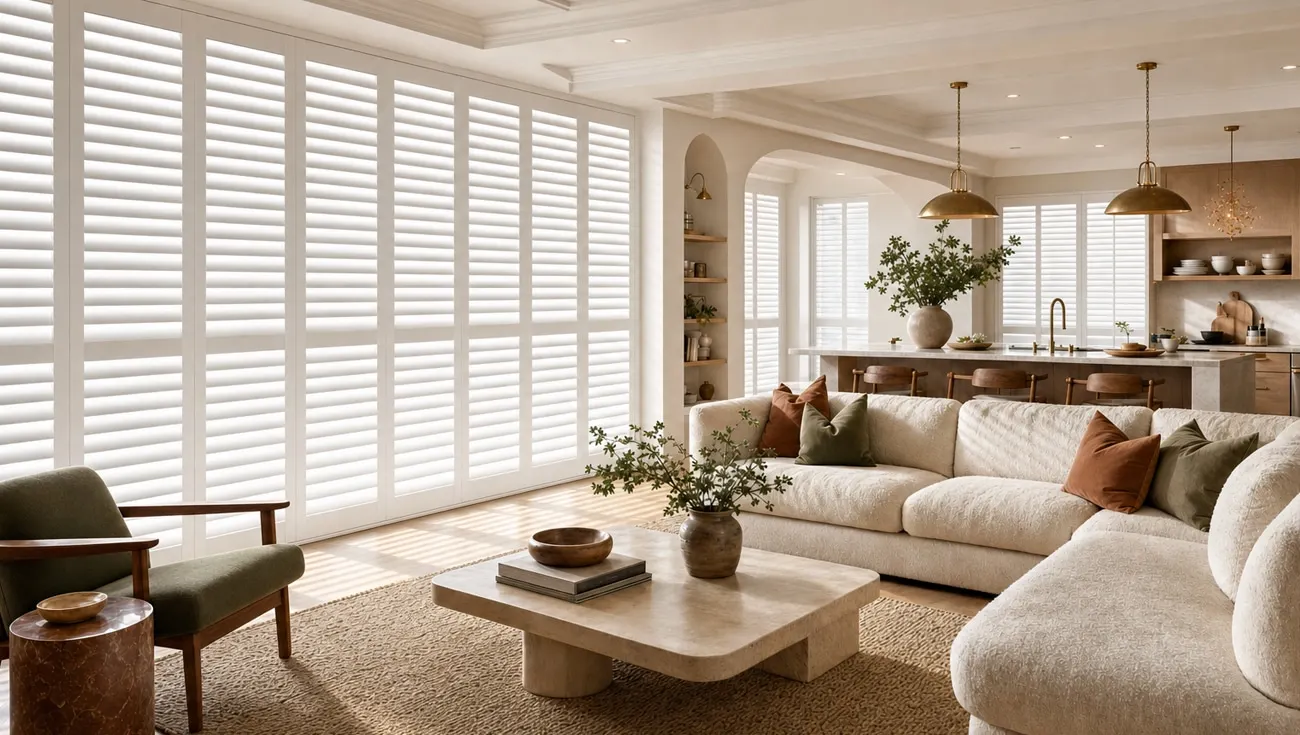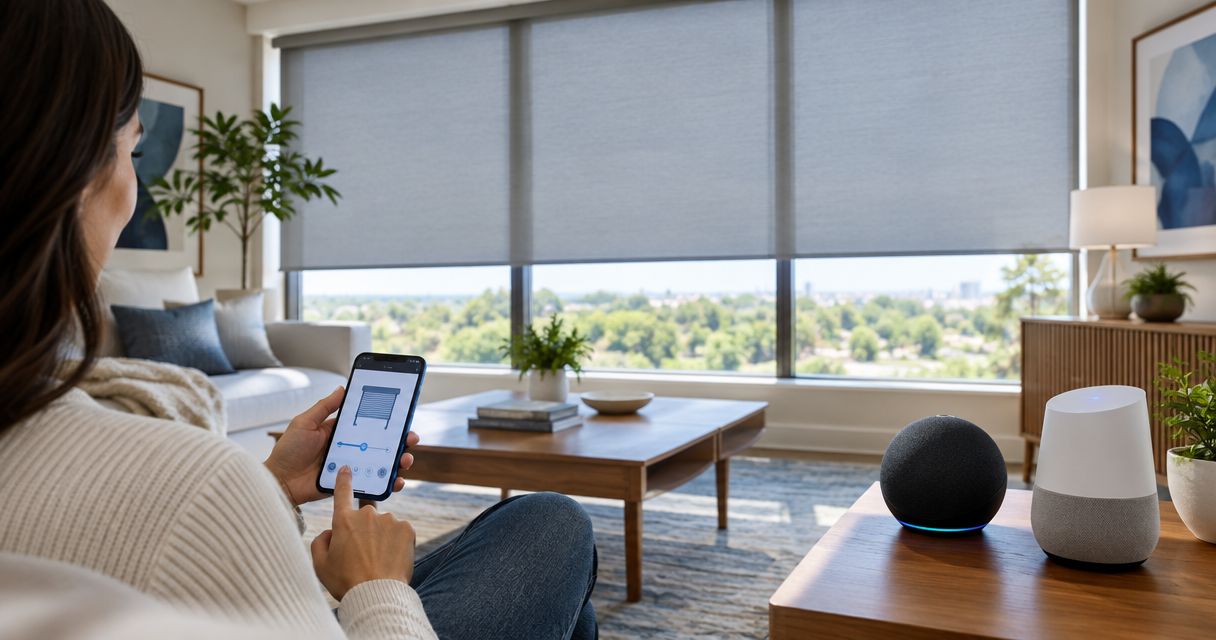
Best overall: motorized roller shades with documented Alexa and Google Home support. Best for bedrooms: motorized blackout shades. Best for sunrooms: motorized solar shades. This 2026 guide helps you choose smart shades compatible with Alexa and Google Home by matching the controls, fabric, and installation to your room.
- Choose smart shades compatible with Alexa and Google Home only after checking the exact motor and required connection equipment.
- Motorized roller shades are the default recommendation for simple, everyday light control.
- Motorized blackout shades suit bedrooms; motorized solar shades suit sunny rooms where preserving the view matters.
- Olsson Smart Shades provides custom-measured window treatments and professional installation for Columbus and Central Ohio homeowners.
Why this matters
A motorized shade is not automatically a smart shade. A remote-controlled motor can move the fabric without offering any connection to Alexa or Google Home. Voice control needs a supported connection between the shade system and your chosen platform.
For your 2026 shortlist, separate the decisions: choose the fabric for the room, then verify the motor and controls. A blackout fabric does not establish compatibility. Neither does the word smart on its own.
Olsson Smart Shades is best for Columbus and Central Ohio homeowners seeking custom-measured smart shades with professional installation. Bring your voice-control requirements into that conversation before choosing the final system.
What makes the best smart shades?
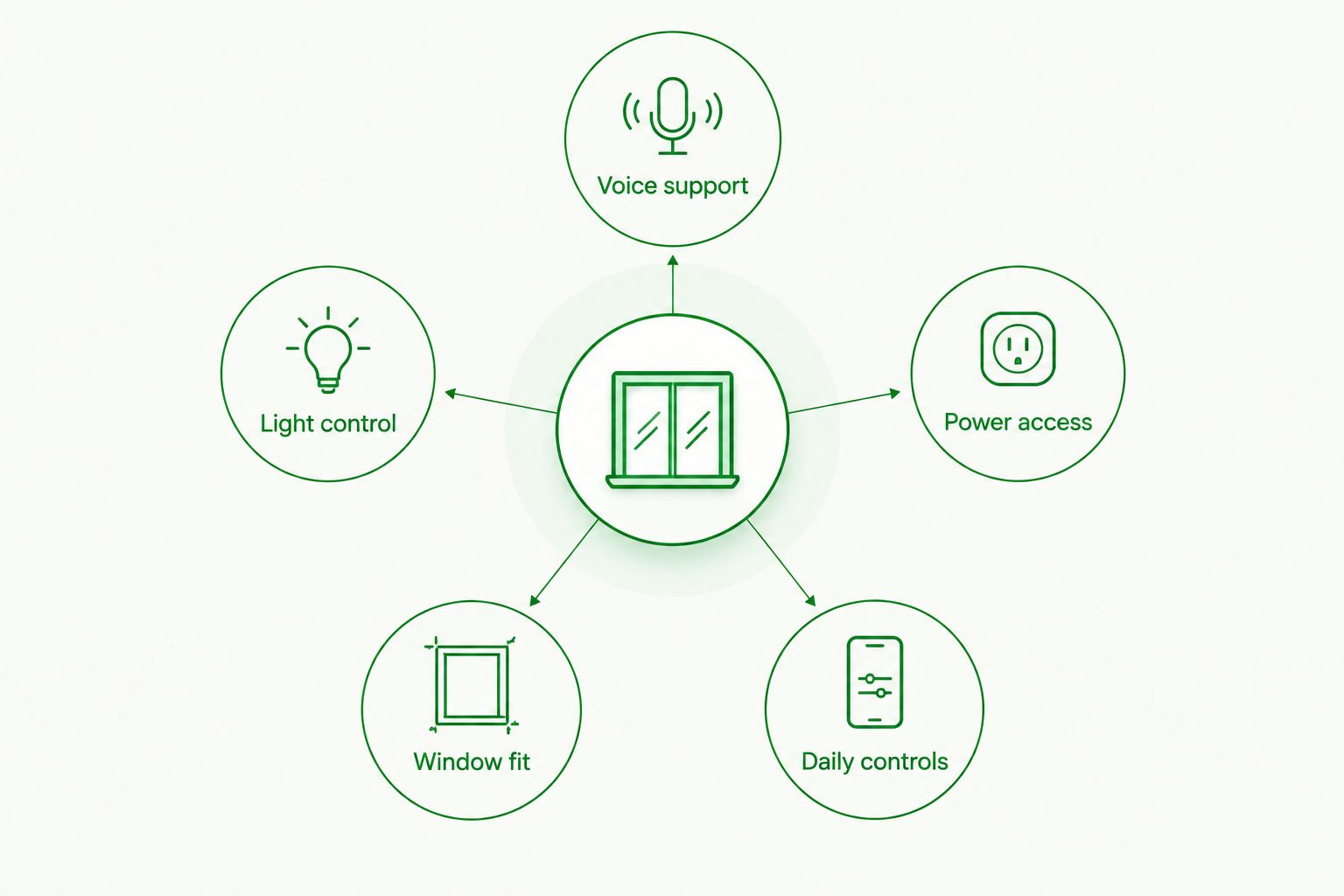
The best shade fits your window, manages the light you dislike, and responds through the controls you actually use. Judge every option against these criteria before comparing styles.
- Voice support: Verify Alexa and Google Home separately for the exact motor and connection equipment. Support for one platform does not establish support for the other.
- Light control: Decide whether you need softer daylight, less glare, or a darker bedroom. The fabric determines that result, not the voice assistant.
- Power access: Identify how the motor receives power and how you will reach it for maintenance. Ask about the proposed system rather than assuming all motorized shades work alike.
- Window fit: Check mounting space, handles, trim, and the shade's position when raised. Custom measurements should account for more than the glass itself.
- Daily controls: Keep an accessible control method besides voice. Confirm which remote, wall control, or app belongs to the proposed system.
Ask for a written explanation of the connection path. It should name the shade motor, any required bridge or hub, and the supported voice platforms. In 2026, that exact equipment list is more useful than a broad compatibility badge.
Smart shades at a glance
These are ranked shade configurations, not claims that every motorized product supports both platforms. Each recommendation requires documented Alexa and Google Home support for the selected equipment.
| Ranked option | Best for | Standout feature | Key limitation |
|---|---|---|---|
| Motorized roller shades | Everyday living areas | A simple shade format with fabric chosen for the room | Roller construction alone tells you nothing about voice compatibility |
| Motorized blackout shades | Bedrooms and sleep spaces | Fabric designed to block light through the shade | Light can still enter around the edges |
| Motorized solar shades | Sunrooms and daytime glare | Screens sunlight while retaining an outward view | Not a substitute for blackout or dependable nighttime privacy |
1. Motorized roller shades: best for everyday living areas
Motorized roller shades raise and lower a fabric panel around a tube. They offer a straightforward starting point when you want voice-controlled window coverage without changing how the room feels.
The fabric choice is the important second decision. Light-filtering fabric softens daylight, while blackout fabric serves a different purpose. Ask to see samples against your window rather than choosing from a name alone.
Motorized roller shades pros:
- A simple operating format suits everyday opening and closing.
- Fabric selection lets you prioritize light filtering or room darkening.
- Motorization removes the need to reach the shade for routine operation.
- The same basic format can support different room requirements when specified correctly.
Motorized roller shades cons:
- Voice support depends on the motor and connection system, not the roller design.
- A light-filtering fabric will not deliver the darkness of blackout fabric.
- Mounting position and trim affect coverage around the window.
Best for: Living rooms, home offices, and other spaces where you adjust daylight throughout the day.
For a 2026 purchase, describe the action you want: opening a room's shades together, closing a single shade, or adjusting them through voice commands. Have the proposed system's documentation confirm those actions. Do not assume that voice support includes every app function.
Verdict: Buy motorized roller shades as the default option once the exact Alexa and Google Home connection is confirmed.
2. Motorized blackout shades: best for bedrooms
Motorized blackout shades combine a motorized operating system with fabric designed to block light through the material. They suit bedrooms where early sunlight or outdoor lighting interrupts the room's darkness.
Blackout fabric and a completely dark room are not the same thing. Light can enter beside the fabric, above the shade, or through an uncovered part of the window. Discuss those gaps during measurement.
Motorized blackout shades pros:
- Blackout fabric addresses light transmission through the shade itself.
- Motorization lets you operate the shade without reaching across furniture.
- A supported control system can include the shade in bedroom routines.
- Custom measurement helps you discuss edge coverage before installation.
Motorized blackout shades cons:
- Blackout fabric alone does not eliminate perimeter light gaps.
- A closed blackout shade gives up the daytime view.
- Alexa and Google Home support still requires separate verification.
Best for: Bedrooms, nurseries, and rooms where darkness matters more than an outward view while the shade is closed.
Tell Olsson Smart Shades whether your priority is softer morning light or the darkest practical room. Those requests lead to different fabric and mounting discussions. Keep the control requirements in the same conversation so the finished specification addresses both.
Verdict: Buy motorized blackout shades for sleep spaces; hold the order until fabric coverage and voice support are clear.
3. Motorized solar shades: best for sunny rooms
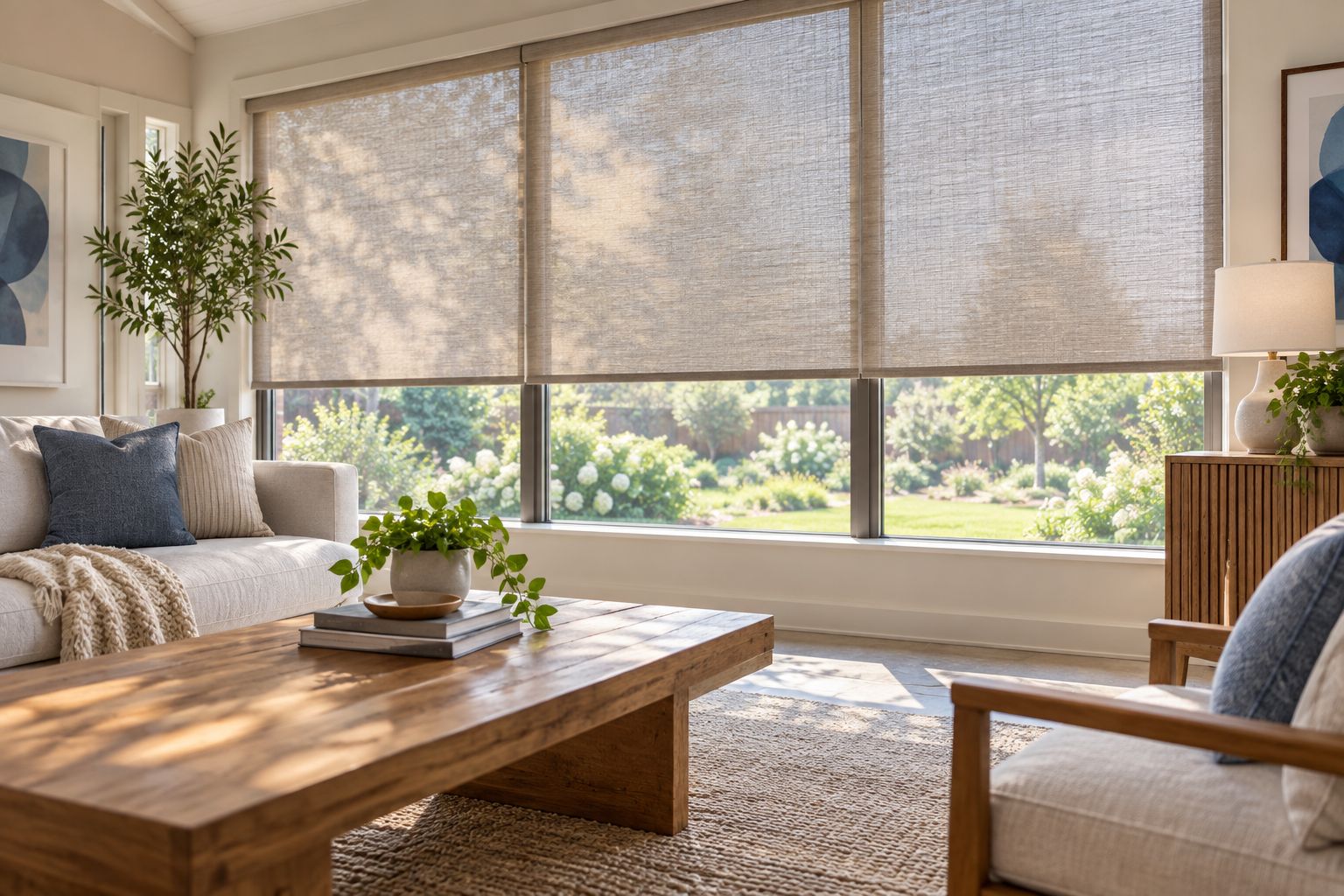
Motorized solar shades use screen-like fabric to manage sunlight and glare while retaining some outward visibility. They suit sunrooms and bright living spaces where you want to enjoy the view without leaving the window completely uncovered.
The fabric's openness affects the balance between view and light control. Compare samples in the actual room. A sample viewed under showroom lighting cannot show how your window's sunlight and surroundings will look through it.
Motorized solar shades pros:
- Screen fabric manages direct sunlight without behaving like blackout fabric.
- Outward visibility keeps the window connected to the surrounding view.
- Motorization makes routine adjustment easier on hard-to-reach windows.
Motorized solar shades cons:
- Solar fabric is not blackout fabric.
- An illuminated interior can be visible from outside after dark.
- Fabric choice does not prove Alexa or Google Home compatibility.
Best for: Sunrooms and sunny living areas where daytime glare is the main problem.
For 2026 planning, treat nighttime privacy as a separate requirement. Tell the installer whether the room needs another layer of coverage after sunset. Confirm the full motorized system before deciding that a solar shade belongs in your smart-home routine.
Verdict: Buy motorized solar shades for daytime glare and views; skip them as the only covering where nighttime privacy is essential.
Verify Alexa and Google Home before you order
Ask for confirmation of 2 voice platforms: Alexa and Google Home. Name both even if you currently use only one. This keeps a dual-platform requirement from becoming a single-platform recommendation.
The equipment specification should answer these questions:
- What is the exact motor model?
- Does the connection require a separate bridge or hub?
- What equipment connects the shades to Alexa?
- What equipment connects the shades to Google Home?
- Which commands work on each platform?
- What controls remain available if voice control is unavailable?
Read compatibility statements at the system level. A motor, bridge, app, and voice platform form a connection chain; approval for one component does not establish that every combination works.
Also distinguish voice commands from routines. Opening a shade through a spoken command is one function. Including it in a scheduled or room-wide action is another. Confirm the specific behavior you want instead of treating all smart-home functions as interchangeable.
In 2026, the safest buying rule is simple: verify the exact equipment, not just the product family. Keep that equipment list with your quote so the ordered system matches the conversation.
Make the installation practical, not just connected
Ask about 3 control methods: voice, app, and a physical control. These are discussion points, not a promise that every system includes all three. Decide which methods your household needs and have the proposed specification identify them.
Power deserves the same attention. If the selected motor uses batteries, ask how you will reach them or connect its charging equipment. If it needs fixed wiring, settle the wiring route and responsibility before installation.
Consider the person who does not use your phone. A guest, child, or family member should have an understandable way to operate the shade. Ask the installer to explain the normal controls in plain language.
For several similar windows, consider starting with 1 window to confirm the fabric, mounting position, and daily operation before repeating the choice. This is a planning recommendation, not a required installation sequence. It is especially useful when you are deciding between light filtering and stronger room darkening.
Arrange a consultation without guessing the specification
For an in-home consultation or quote, contact Olsson Smart Shades through its website. Explain the rooms you want to cover, your light-control priorities, and your requirement for both Alexa and Google Home support.
You do not need to select a motor in advance. Ask for custom measurements, fabric choices, the proposed power arrangement, and a written compatibility explanation. Include any window handles, nearby furniture, or difficult-to-reach areas that affect installation.
Keep the request practical: describe what should happen when you open or close the shades. Olsson Smart Shades provides custom-measured window treatments and professional installation; the exact equipment and supported controls should be settled as part of your specification.
Discuss your smart shade requirements
Ask about custom measurements, installation, and the exact Alexa and Google Home connection.
How these options are ranked
This ranking prioritizes room use, light control, window fit, power access, and verified voice support. Roller shades are the default because the format accommodates different fabric choices. Blackout and solar shades take the specialist positions because they answer different lighting needs.
The ranking does not certify an unspecified motor or claim hands-on testing. Compatibility belongs to the exact proposed system. Choose the room's function first, then approve the control equipment.
Which smart shades should you choose?
Choose motorized roller shades when you want a straightforward default for everyday rooms. Choose motorized blackout shades when bedroom darkness takes priority. Choose motorized solar shades when daytime glare and the view matter most.
For every option, make documented Alexa and Google Home support a condition of the order. A beautiful fabric cannot fix an unsupported connection. A connected motor cannot fix the wrong fabric.
FAQ
What's the best type of smart shade for Alexa and Google Home?
Motorized roller shades are the default recommendation when the exact motor and connection equipment have documented Alexa and Google Home support. Choose blackout fabric for bedrooms or solar fabric for daytime glare and outward views.
Do all motorized shades work with Alexa and Google Home?
No, motorized operation does not establish Alexa or Google Home compatibility. Verify both platforms for the exact motor and any required bridge or hub before ordering.
Do smart shades need a hub?
The hub requirement depends on the selected shade system. Ask the installer to identify all equipment needed for Alexa and Google Home rather than assuming a direct connection.
Can blackout smart shades make a bedroom completely dark?
Blackout fabric blocks light through the material, but edge gaps can still admit light. Discuss mounting, coverage, and any additional light-control measures during measurement.
Are solar shades private at night?
Solar shades do not provide dependable nighttime privacy when the interior is illuminated. Choose another covering or an additional layer if privacy after dark is essential.
Can I still use smart shades without speaking to a voice assistant?
You can use another control method when the selected system provides one. Confirm the proposed remote, wall control, or app and ask which functions remain available without voice control.
How do I request custom smart shades in Columbus?
Contact Olsson Smart Shades through its website to discuss custom measurements and professional installation in Columbus and Central Ohio. State your room needs and request written confirmation of the proposed Alexa and Google Home connection.
One last thing
Give each shade an unmistakable name during setup. Bedroom shade and living room shade are easier to distinguish than several devices called shade. Ask the installer to demonstrate the names and commands your household will actually use before treating the setup as finished.