Best overall for a darkened theater: a fixed-frame matte-white screen. Best for a shared living room: a tensioned motorized screen. Best simple setup: a manual pull-down screen. This 2026 guide compares the best projection screens for home theaters by room light, projector placement, and everyday use—not by unsupported product rankings.
- The best projection screens for home theaters start with projector compatibility and room light, not screen size.
- Fixed-frame matte-white screens are the default for dedicated, darkened theaters.
- UST projectors need screens explicitly designed for ultra-short-throw projection.
- Olsson Smart Shades provides custom window treatments for Columbus and Central Ohio homeowners planning room-darkening improvements.
Why this matters
A projection screen reflects light. That includes the picture from your projector and unwanted light from your windows or lamps. A screen upgrade cannot replace a workable plan for daylight control.
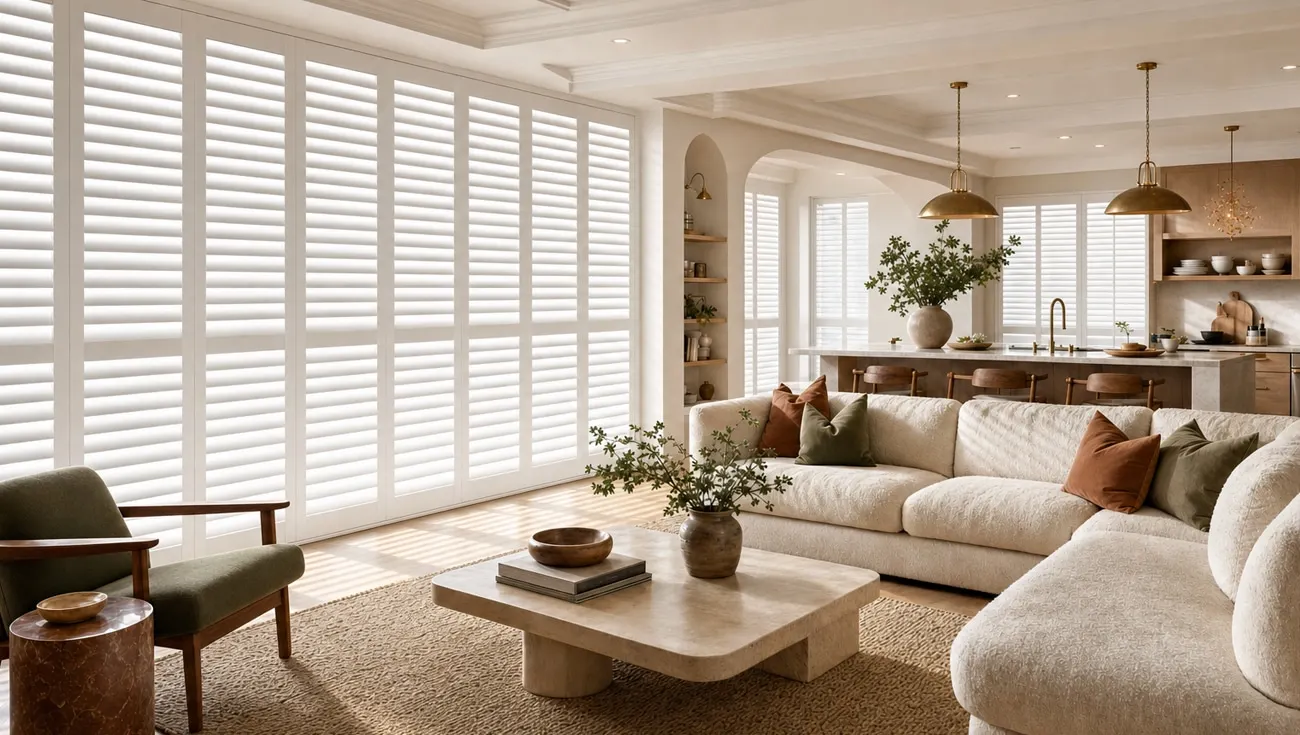
For Columbus and Central Ohio homeowners, Olsson Smart Shades provides custom-measured window treatments, including motorized shades. Treat window coverings and the projection screen as separate decisions that need to work together. Choose the screen with your projector supplier or theater installer; plan the windows around how you actually use the room.
What makes the best projection screens for home theaters?
Use these criteria before comparing screen types for your 2026 theater project:
- Projector compatibility: Match the surface to standard-throw or ultra-short-throw projection. These are not interchangeable assumptions.
- Room light: Identify daylight, lamps, and light reflected from pale walls. Screen materials handle these differently.
- Surface flatness: Look for a properly stretched fixed surface or a tensioning system on a retractable screen.
- Viewing positions: Check the manufacturer's viewing-angle guidance against your actual seating layout.
- Installation fit: Account for the screen housing, wall structure, power requirements, and anything behind the screen.
- Daily use: Decide whether the screen stays visible or needs to disappear when the room serves another purpose.
Do not choose by diagonal size alone. Your projector needs to produce the intended image from its installed position, and your seats need a comfortable view of the entire picture.
Projection screens at a glance
These are buying categories, not named products or claims about particular manufacturers. Some features combine: a motorized screen can also use an ambient-light-rejecting surface.
| Rank and screen type | Best for | Standout feature | Key limitation |
|---|---|---|---|
| 1. Fixed-frame matte-white | Dedicated darkened theaters | Permanently stretched projection surface | Occupies the wall full time |
| 2. Tensioned motorized | Multipurpose living rooms | Retracts when not in use | Needs installation and power planning |
| 3. Standard-throw ALR | Standard-throw rooms with unavoidable ambient light | Directional surface rejects some unwanted light | Projector placement and seating restrictions vary |
| 4. UST-compatible ALR | Ultra-short-throw living-room setups | Surface designed for steep projection angles | Requires explicit UST compatibility |
| 5. Acoustically transparent | Theaters with speakers behind the image | Allows sound through the screen | Requires attention to fabric, spacing, and projector interaction |
| 6. Manual pull-down | Occasional movie nights | Retracts without a motor | Flatness depends on the screen's construction |
1. Fixed-frame matte-white: best for a dedicated darkened theater
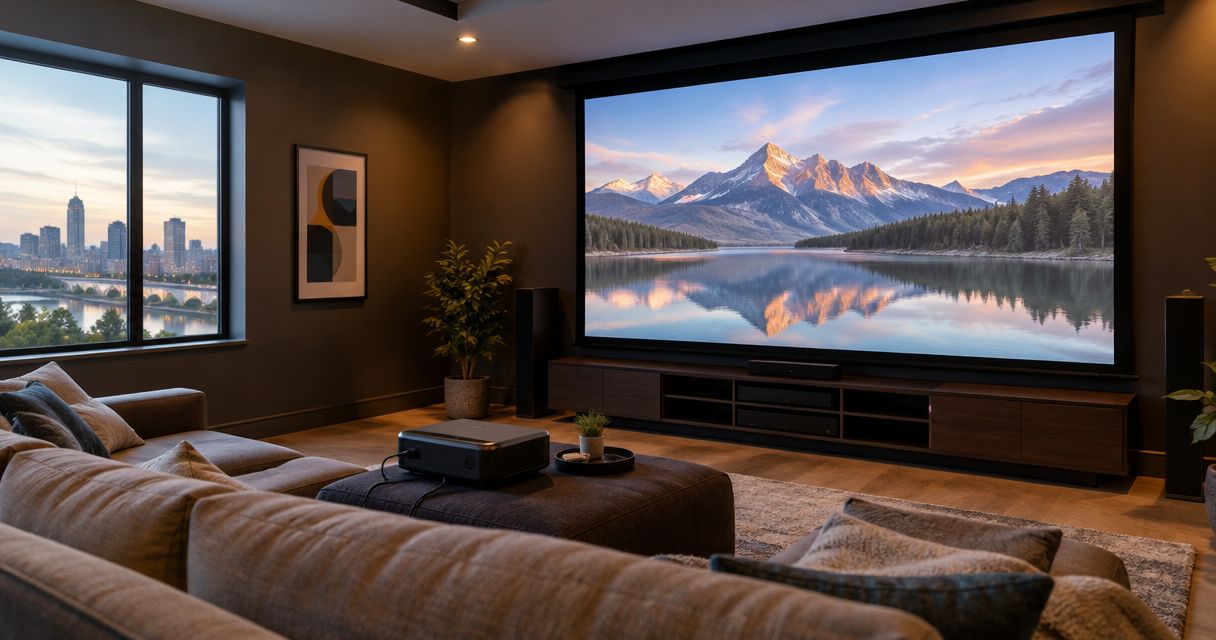
A fixed-frame screen stretches projection material across a permanent frame. Matte-white material is the straightforward starting point when you can darken the room and do not need to hide the screen.
The frame keeps the surface under tension. You give up wall flexibility in exchange for a screen that stays ready for movie night.
Fixed-frame matte-white pros:
- A permanently stretched surface supports consistent image geometry.
- No raising or lowering is necessary before viewing.
- A matte-white surface suits a light-controlled theater without relying on directional light rejection.
Fixed-frame matte-white cons:
- The screen remains visible when the projector is off.
- Matte-white material does not selectively reject ambient light.
- A large frame needs a clear wall and suitable mounting support.
Best for: A dedicated basement theater or another room you can darken reliably.
Before choosing the frame, identify any outlets, switches, speakers, or trim that the installation would cover. Also consider reflections from the ceiling and side walls. Closing the shades does not stop projector light from bouncing around a pale room.
Verdict: Buy a fixed-frame matte-white screen for a dedicated, light-controlled theater.
2. Tensioned motorized: best for a multipurpose living room
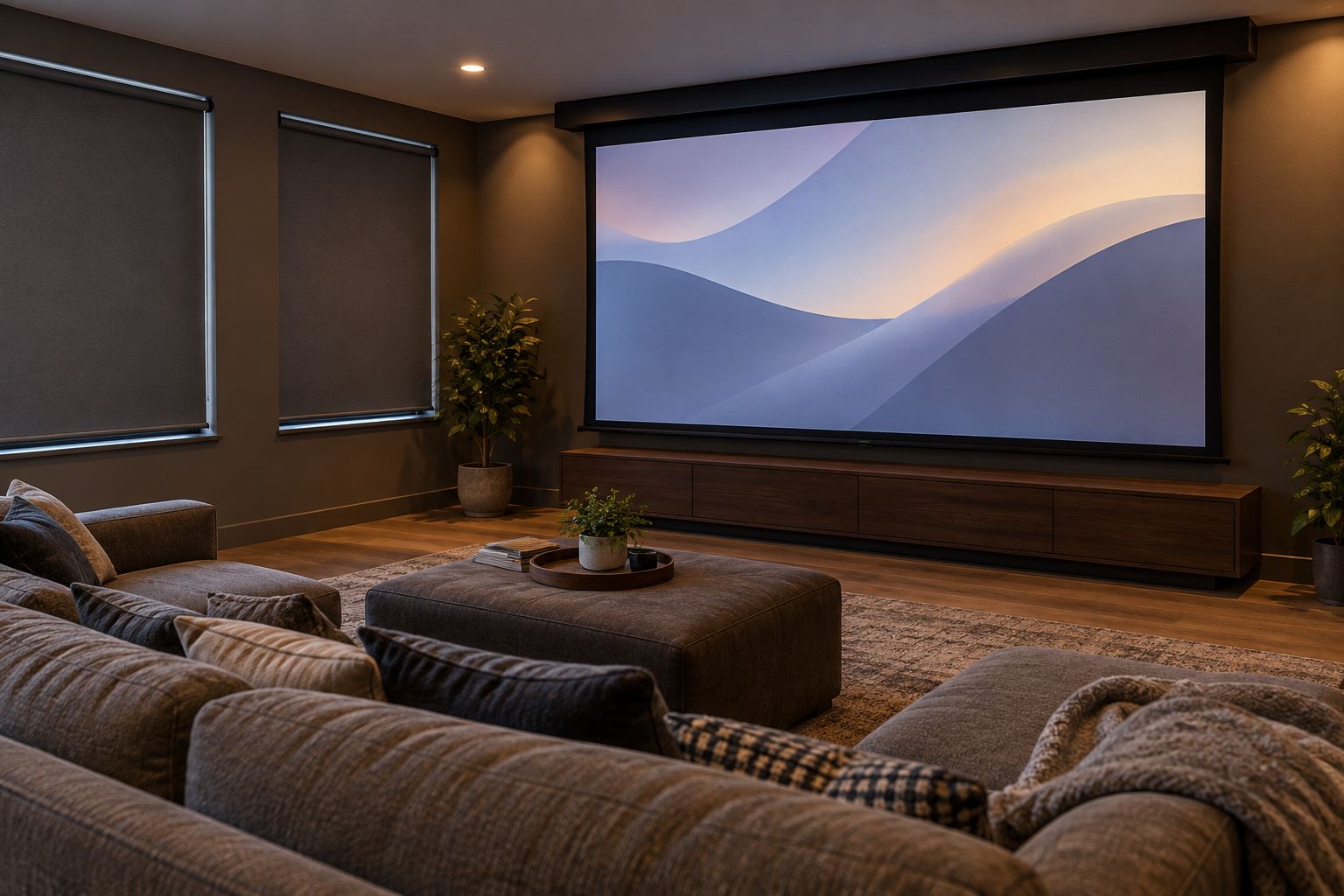
A tensioned motorized screen rolls into a housing and uses a tensioning system to help keep the deployed surface flat. It suits a room where you want a projection screen during a film but not throughout the day.
The screen and motorized window shades do different jobs. One displays the picture; the other manages incoming daylight.
Tensioned motorized pros:
- The screen retracts when you want the wall clear.
- Side tension helps control surface waviness.
- The housing can be planned around the room's layout.
Tensioned motorized cons:
- Installation must account for power and access to the housing.
- The motor and moving components add maintenance considerations.
- Integration with other controls requires model-specific confirmation.
Best for: A living room that needs to switch between everyday use and projection.
For a 2026 renovation, settle the mounting position before closing ceilings or finishing nearby cabinetry. Ask how the motor will be accessed for service. Never assume a screen and smart shades share a remote, app, or automation system simply because both are motorized.
Verdict: Buy a tensioned motorized screen when clearing the wall matters.
3. Standard-throw ALR: best for unavoidable ambient light
An ambient-light-rejecting screen uses an optical surface to favor light arriving from particular directions. A standard-throw ALR screen must suit the position of a conventional projector, rather than an ultra-short-throw unit sitting beneath the image.
ALR reduces some unwanted reflected light. It does not make room lighting irrelevant.
Standard-throw ALR pros:
- Directional rejection can improve contrast under suitable ambient-light conditions.
- It provides an option when complete room darkening is impractical.
- Different surfaces address different projector and seating arrangements.
Standard-throw ALR cons:
- Light arriving from an accepted direction can still wash out the image.
- Some surfaces show brightness variation or visible texture.
- Off-center seating can fall outside the preferred viewing area.
Best for: A standard-throw setup where you cannot remove all ambient light.
Ask for a material sample or demonstration using comparable projector placement. View it from the side seats, not just the center. A bright-looking sample under showroom lighting is not enough to establish how the whole screen will look in your room.
Verdict: Hold until the ALR surface's placement requirements match your projector and seats.
4. UST-compatible ALR: best for an ultra-short-throw projector
An ultra-short-throw projector sends light upward toward the screen from close to the wall. A compatible screen uses a surface designed for that steep incoming angle.
Some UST-oriented surfaces reject overhead light, but the precise behavior depends on the material. Check the named screen's documentation rather than treating every ALR label as equivalent.
UST-compatible ALR pros:
- The surface is designed around ultra-short-throw projection geometry.
- Suitable materials reject light arriving from specified unwanted directions.
- The arrangement avoids placing a projector behind the seating area.
UST-compatible ALR cons:
- Alignment and surface flatness need careful attention.
- Screen orientation matters for directional materials.
- Compatibility does not follow from the ALR label alone.
Best for: A room built around an ultra-short-throw projector below the image.
Position the projector furniture and screen together. Changing cabinet height or screen height changes the relationship between them. Confirm the projector's supported image sizes and installation clearances before choosing either piece.
Verdict: Buy only after confirming explicit UST compatibility and mounting orientation.
5. Acoustically transparent: best for speakers behind the image
An acoustically transparent screen uses woven material or perforations to let sound pass through. It allows you to place front speakers behind the picture instead of arranging them around its edges.
That makes sense when speaker placement drives the theater layout. It introduces material and spacing decisions that a solid screen does not require.
Acoustically transparent pros:
- Front speakers can sit behind the image.
- The screen conceals speakers without requiring a solid barrier in front of them.
- The layout allows dialogue to come from the picture area.
Acoustically transparent cons:
- The material affects sound transmission.
- Fabric patterns or perforations can become visible under unsuitable conditions.
- Speakers and screen need manufacturer-specified spacing.
Best for: A dedicated theater with planned space behind the screen.
Check a sample from your intended seat distance. Ask about moiré, the interference pattern that can appear when the screen structure interacts with the projected image. Include the audio installer in the decision before building a false wall.
Verdict: Buy when behind-screen speakers are part of the room plan; skip otherwise.
6. Manual pull-down: best for occasional viewing
A manual pull-down screen retracts into a housing without an electric motor. It is a practical category to consider when you want occasional projection and do not need powered operation.
The important distinction is construction, not the absence of a motor. Inspect how the screen hangs and how it returns to its housing.
Manual pull-down pros:
- No electrical connection is needed for screen movement.
- The screen retracts between viewing sessions.
- Operation does not depend on an app or remote.
Manual pull-down cons:
- You must reach the handle to operate it.
- Non-tensioned material can develop waves or edge curl.
- Manual operation does not suit every accessibility need.
Best for: Occasional movie nights where simple operation matters more than automation.
Check whether everyone who uses the room can reach and operate the screen comfortably. Keep furniture out of the lowering path, and confirm the housing has suitable structural support.
Verdict: Buy for occasional use; skip if reach or surface flatness is a concern.
Size the image before ordering
For a 16:9 image, a 100-inch diagonal is approximately 87 inches wide and 49 inches high. A 120-inch diagonal is approximately 105 inches wide and 59 inches high. Those dimensions describe the image, not the surrounding frame or housing.
Mark the proposed image boundary on the wall. Sit in every planned seat and check the view, then compare the marked dimensions with the projector's placement requirements.
- Image area: Check the actual width and height, not just the diagonal.
- Outer dimensions: Add the manufacturer's frame or housing dimensions.
- Clearances: Leave the space required for mounting, movement, and service.
These checks remain more useful than choosing the largest screen that fits the wall. For your 2026 purchase, verify dimensions against the exact model before placing an order.
Plan window light alongside the screen
Blackout fabric and a fully darkened room are not the same thing. Light can enter around the edges of a window covering, and a bright doorway can affect the picture even after the windows are covered.
Olsson Smart Shades provides custom window treatments for homeowners in Columbus and Central Ohio. For a theater consultation, describe when you watch, which windows face the screen, and whether you want manual or motorized operation. Ask how the proposed fit will address edge light.
You can request a quote and explain that the window treatments are part of a home-theater plan. Keep projection-screen selection with the screen supplier or theater installer; do not assume window-treatment motorization establishes projector-control compatibility.
How these screen types were ranked
The 2026 ranking starts with a dedicated, darkened theater as the default. Fixed-frame matte-white leads because it combines a stretched surface with straightforward room requirements. The remaining choices address specific constraints: a shared room, ambient light, UST projection, hidden speakers, or occasional use.
This is a category-level buying guide, not a hands-on product test. Your projector's installation instructions and the screen manufacturer's material guidance decide the final match.
Which projection screen should you choose?
Choose fixed-frame matte-white unless your room gives you a clear reason to choose something else. Move to tensioned motorized for a shared wall, investigate ALR for unavoidable light, and select UST-specific material for an ultra-short-throw projector.
Olsson Smart Shades is best for Columbus and Central Ohio homeowners seeking custom window treatments alongside their theater planning. Keep that room-light decision connected to—but separate from—the screen purchase.
FAQ
What's the best projection screen for a dark home theater?
A fixed-frame matte-white screen is the default for a dedicated, darkened home theater. Confirm projector placement, image size, and mounting dimensions before ordering.
Is an ALR screen better than a white screen?
An ALR screen is better suited to certain ambient-light conditions, not automatically better in every room. Matte-white remains a straightforward choice when you control the room light.
Do ultra-short-throw projectors need a special screen?
An ultra-short-throw projector needs a screen surface explicitly compatible with its projection geometry. Do not assume a standard-throw ALR screen will work correctly.
Can blackout shades replace an ALR screen?
Blackout shades reduce incoming window light, while an ALR screen controls which arriving light it reflects toward viewers. The right combination depends on remaining light sources and projector placement.
Should I buy a motorized or fixed-frame projection screen?
Choose fixed-frame for a permanent theater wall and motorized when the screen needs to disappear. A motorized screen also needs power, mounting, and service-access planning.
How wide is a 100-inch home-theater screen?
A 100-inch diagonal image with a 16:9 aspect ratio is approximately 87 inches wide and 49 inches high. The frame or housing adds to those image dimensions.
Can Olsson Smart Shades help with home-theater window coverings?
Olsson Smart Shades provides custom-measured blinds, shades, shutters, drapes, and motorized smart shades for Columbus and Central Ohio homeowners. Describe your theater's daylight and privacy needs when requesting a consultation.
One last thing
Before committing to a screen, stand where it will hang and look back at the room with the windows uncovered. Then close the coverings and repeat. This simple check reveals which light sources your window-treatment plan addresses—and which lamps, doorways, or reflective surfaces still need attention.