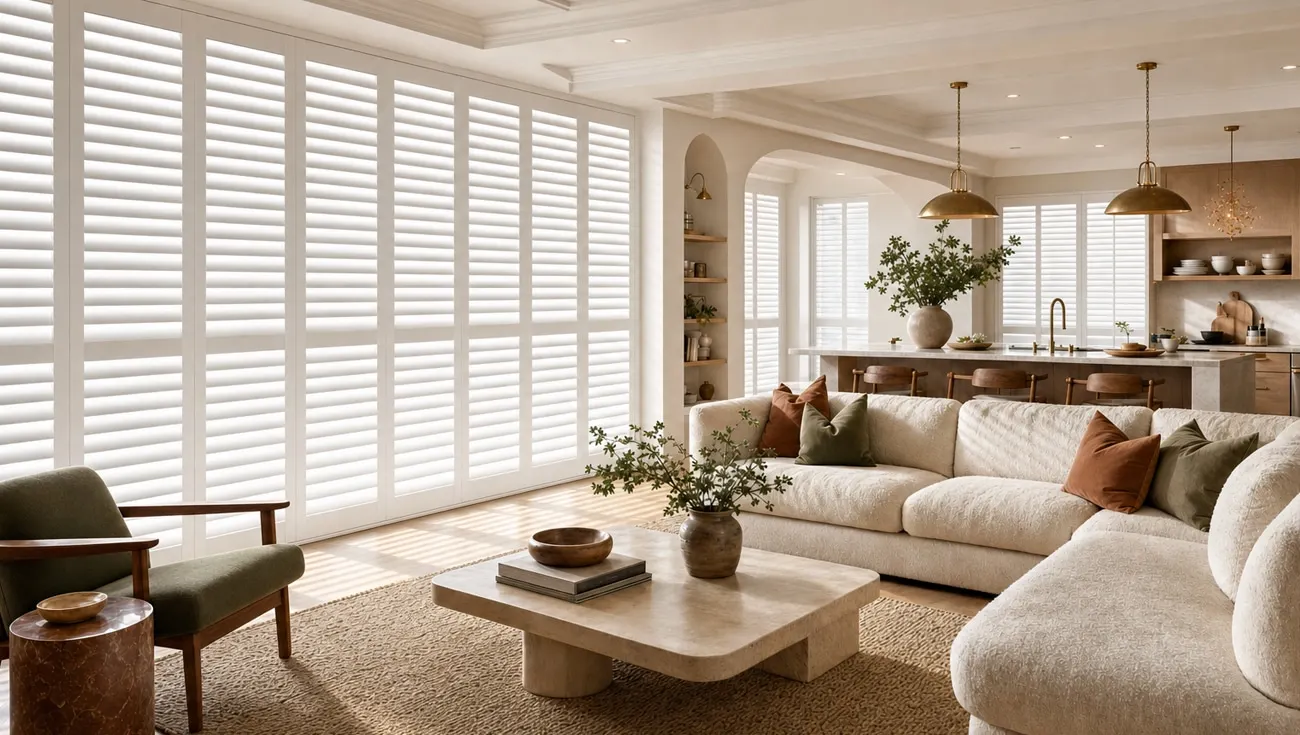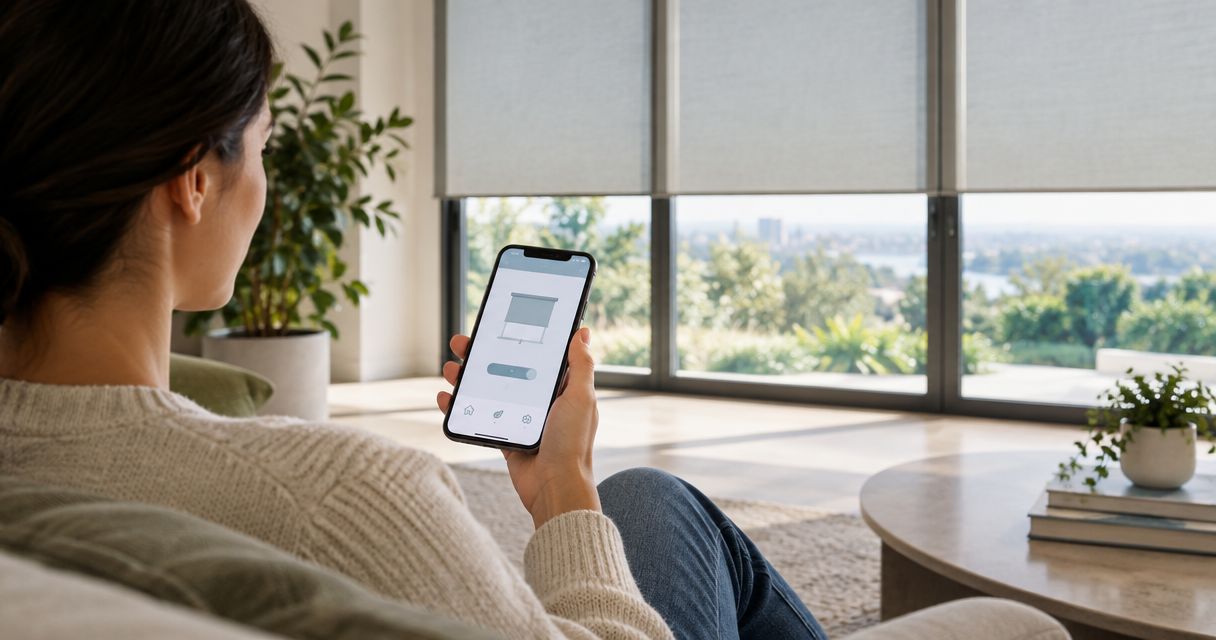
Yes, you can control motorized shades remotely away from home when the shade system supports internet-based access and has the required connection equipment. A handheld remote or an app that works only nearby does not provide away-from-home control. Before you order, confirm the complete connection path and test it with your phone disconnected from your home Wi-Fi.
- To control motorized shades remotely away from home, choose internet-based access, not just a handheld remote.
- Olsson Smart Shades installs custom motorized shades for homeowners in Columbus and Central Ohio.
- Confirm whether the proposed system needs a hub, an account, and a working home internet connection.
- Test remote access over cellular data before relying on it while traveling.
Can you control motorized shades when you're away from home?
Yes—but motorized does not automatically mean internet-connected. A motor moves the shade. The control system determines whether you can move it from another room, your driveway, or another city.
When comparing motorized shades for smart homes, separate nearby control from remote access. An app on your phone is not proof that the shades will respond after you leave.
| Control method | Best for | Main benefit | Limit to understand |
|---|---|---|---|
| Handheld remote | Simple control inside the home | Operates shades without opening an app | Does not establish internet-based access |
| Nearby phone control | Adjusting shades while you are home | Puts supported controls on your phone | A local-only connection does not work from another location |
| Internet-connected control | Adjusting shades while you are away | Sends supported commands through a remote connection | Requires the specified equipment, account access, and working connection |
| Scheduled operation | Repeating a daily routine | Moves supported shades without a fresh command each time | Offline behavior depends on where the schedule runs |
These methods can overlap in one installation. Ask which functions the proposed system supports rather than treating every motorized shade as the same product.
Why this matters
Away-from-home control lets you respond when your plans change. You can close supported shades after leaving or adjust a room before returning, without asking someone at home to operate them.
The limitation matters just as much. Remote access depends on more than the fabric and motor, so include it in your 2026 buying brief before measurements and installation decisions are finalized.
Start with the task you want to accomplish. “Close the living-room shades from my phone while I am at work” is a clearer requirement than “make the shades smart.” It gives you something concrete to verify.
What does a shade system need for remote access?
A remote command needs a supported route from your phone to the shade. Some systems connect through a separate hub or bridge; others use a different connection arrangement. The equipment must match the shade motor and the control platform.
Check these parts before approving a quote:
- Shade compatibility: Confirm that the exact motor and control system support away-from-home operation together.
- Connection equipment: Identify any required hub, bridge, controller, or other accessory.
- Internet access: Establish which parts need your home network and internet connection.
- Account access: Confirm which app and account you will use, and who will own that account.
- Power: Identify how the shade motor and any connection equipment receive power.
- Remote functions: Ask whether you can open, close, stop, group, or check the position of the selected shades remotely.
Do not assume that every feature shown in an app applies to every connected shade. A control platform can support functions that a particular motor does not.
For your 2026 quote, request the exact equipment names in writing. A description such as “smart-ready” is not a substitute for a clear list of the parts needed to operate the shades from outside your home.
How do you test away-from-home shade control?
Test the connection you will actually use when you leave. Moving a shade while your phone remains on home Wi-Fi proves only that the current setup works under those conditions.
Use this sequence during the installation handoff:
- Check local operation. Operate 1 shade with its normal in-home control. Confirm that the shade moves correctly before testing remote access.
- Leave home Wi-Fi. Turn off Wi-Fi on your phone and use cellular data, or connect from a separate internet connection.
- Send commands. Send 2 commands: open, then close. Have someone inside confirm that the shade physically moves.
- Check feedback. Compare any position shown in the app with the actual shade position. Ask what the display represents if it does not match.
- Test your routine. Try the room group or scheduled action you expect to use, where supported.
Do not make your first real test after you have left for a trip. Finding a missing account permission while you are still at home is easier to resolve than discovering it from elsewhere.
What should you keep after the test?
Keep the app name, equipment details, and operating instructions together. Record which account owns the installation and how another household member receives access.
You should also know which control still works if the internet is unavailable. Ask for a demonstration rather than relying on a general statement that the system has a backup.
Why away-from-home control varies
The same request—close the shades from somewhere else—can involve different equipment. These are the factors that determine what your installation needs:
- Motor connection: The motor's supported communication method determines which controllers can operate it.
- Hub requirements: A separate connection device adds another component that needs correct placement, setup, and power.
- Network reach: The devices that depend on your home network need a reliable connection in their installed locations.
- Account permissions: The person signing into the app needs permission to control the home and its shades.
- Automation location: A schedule stored locally can behave differently during an internet interruption from one handled through an online service.
- Feedback support: Sending a command and receiving confirmation of the shade's actual position are different capabilities.
This is why choosing the control arrangement belongs early in a 2026 window-treatment project. Fabric, light control, and appearance still matter, but they do not answer the remote-access question.
Will motorized shades still work if the internet goes out?
An internet outage interrupts internet-dependent remote control. It does not, by itself, tell you whether a handheld remote, wall control, or locally stored schedule will continue working.
Ask separately about an internet outage and a power outage. They are different problems. A battery-powered shade can still have power while the hub or network equipment it relies on does not.
For each room, get clear answers to these questions:
- Can you operate the shades locally without internet access?
- Which schedules continue without the internet?
- What happens when power returns to the connection equipment?
- Does the system reconnect without another setup step?
Do not pull or force a motorized shade to test manual operation. Follow the instructions for the exact product; manual movement is not a universal feature.
Is a schedule better than opening the app each day?
A schedule suits a repeated routine. Remote control suits a change of plan. You do not have to choose one instead of the other when the selected system supports both.
For example, you might want bedroom shades to open automatically, while keeping the option to change that day's setting from elsewhere. Confirm how a manual adjustment interacts with the next scheduled event.
For a 2026 setup, also ask whether schedules use a fixed clock time or a supported sunrise-and-sunset setting. These are different instructions, and the right choice depends on the routine you want.
Automation should follow your household, not make the household work around it. Start with a useful routine, live with it, and adjust the settings rather than filling every room with unnecessary commands.
How should you plan shades room by room?
Choose the window treatment for the room first, then confirm the controls. Remote access does not change how much privacy a fabric provides or how the shade fits the window.
A bedroom might need a different light-control approach from a living room. A high window might make convenient operation the priority. Tell the installer what bothers you about each window before discussing app features.
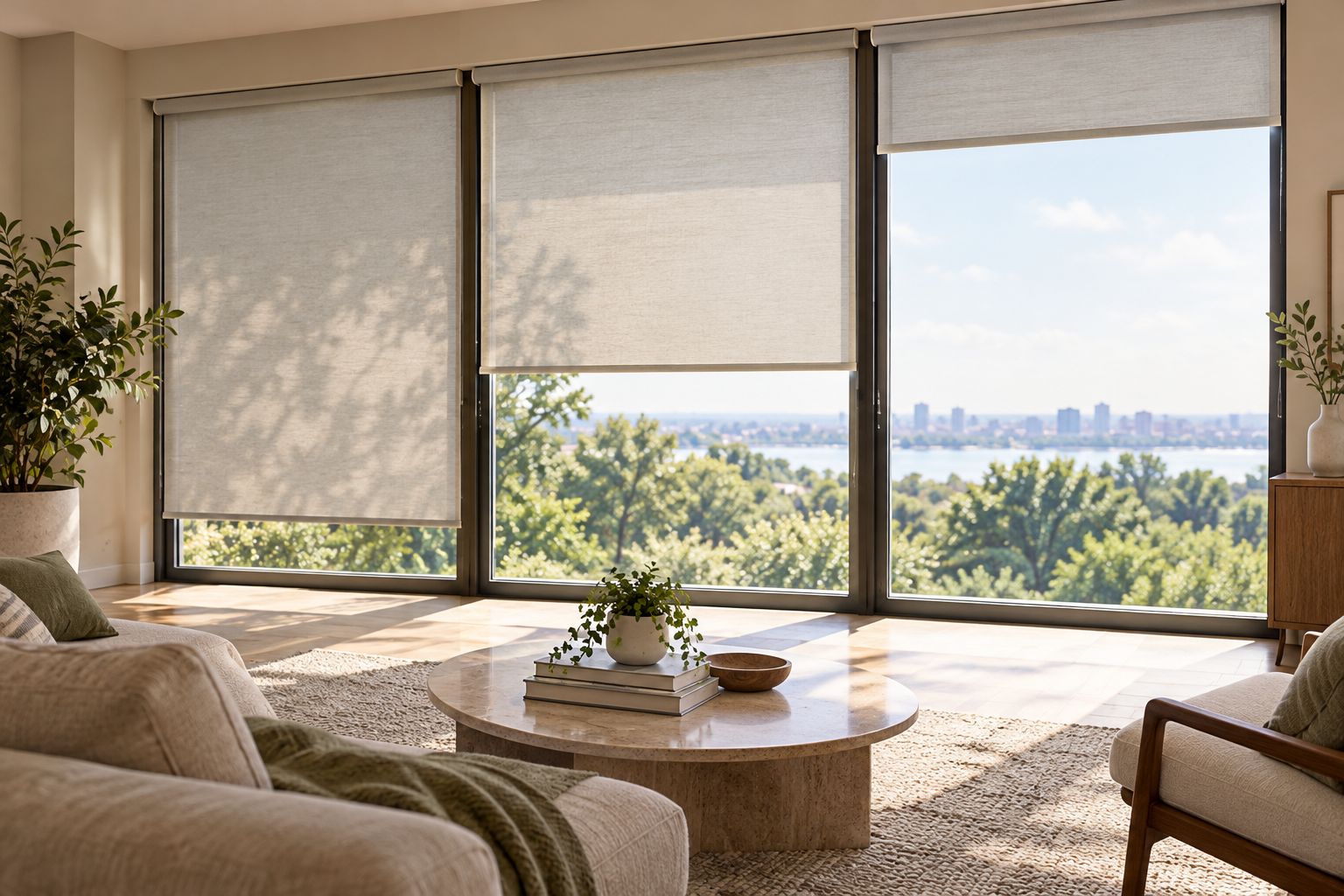
Also consider who uses the room. Someone who prefers a simple remote should not have to use a phone for every adjustment. Ask whether the proposed installation supports both the everyday local control and the remote functions you want.
Keep a convenient in-home control even when away-from-home access is your main goal. That gives household members a straightforward way to adjust the room without sharing your personal phone.
What should you ask during an in-home consultation?
Describe your actual routine, then ask the installer to match the controls to it. Bring the names of any existing smart-home equipment you want considered, but do not assume compatibility based on a familiar platform name.
Olsson Smart Shades is best for Columbus and Central Ohio homeowners seeking custom-measured, professionally installed motorized shades. Its local installation service is relevant when you want the window fit and the operating requirements considered together.
Ask Olsson Smart Shades to confirm away-from-home access for the exact configuration being quoted. Custom measurement and professional installation do not, on their own, establish which app features or smart-home connections a system supports.
For your 2026 consultation, use this short request:
- Explain which rooms you want to control while away.
- Identify any existing controls you want to keep using.
- Ask which equipment the proposed remote connection requires.
- Request a demonstration over cellular data at handoff.
- Ask what remains usable during an internet interruption.
You can visit Olsson Smart Shades to request an in-home consultation or quote. State the remote-access requirement at the start so the conversation stays focused on what you need, without committing to unnecessary features.
FAQ
Can I control motorized shades from another city?
Yes, if the installed system supports internet-based remote access and the required connections are working. Distance alone is not the deciding factor; the supported connection path is.
Does a motorized shade remote work when I leave home?
A standard handheld shade remote does not establish away-from-home internet control. You need a supported remote-access arrangement for commands sent from another location.
Do I need a hub to control shades remotely?
A hub is required for some shade systems, but not every system uses the same arrangement. Confirm the requirements for the exact motor and control platform before ordering.
Can I control motorized shades without home internet?
You cannot rely on internet-based away-from-home control when the required home internet connection is unavailable. Local controls or schedules can behave differently, so check those functions separately.
Can battery-powered shades work with remote access?
Battery power does not determine whether a shade supports remote access. The motor's connection capabilities and the compatible control equipment determine whether away-from-home operation is supported.
How do I know my shades really work away from home?
Turn off your phone's Wi-Fi and operate the shades over cellular data. Have someone inside confirm the movement instead of relying only on an app animation or command message.
Can everyone in my household use the shade app?
Household access depends on the chosen system's account and permission features. Ask how to invite another user and remove access without sharing your main account password.
One last thing
An app button changing on your screen is not the same as a shade moving at home. Before relying on remote operation, learn whether the app reports a sent command, an estimated position, or confirmed position feedback.
Ask Olsson Smart Shades to demonstrate the full trip from phone command to shade movement. That simple handoff check answers the question that matters: can you operate your chosen shades after you leave?