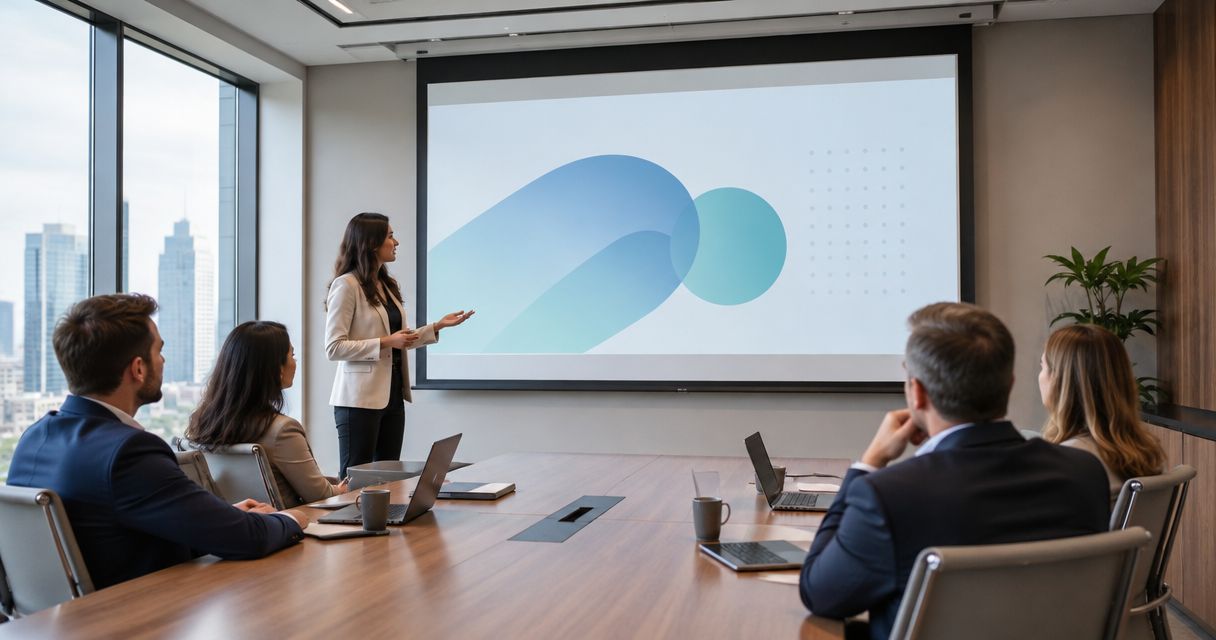
Corporate conference room projection is a display setup that pairs a projector with a screen to make shared presentations readable across a meeting room. Choose AV projection screens for conference rooms around your actual documents, seating, daylight, and installation constraints—not screen size alone; this 2026 guide explains the decisions in order.
- Choose AV projection screens for conference rooms by text readability, viewing angles, daylight, and projector compatibility.
- Fixed-frame screens suit dedicated presentation walls; retractable screens suit rooms that need the wall for other uses.
- Olsson Smart Shades fits Columbus homeowners needing custom window treatments; confirm commercial inquiry scope before planning an office project.
- Test presentation slides and spreadsheets from the farthest seat before approving the screen and room lighting.
Why projection matters for corporate conference rooms
A conference room screen must show more than attractive video. Your audience needs to read spreadsheet headings, distinguish chart labels, and follow shared documents from seats that face the screen at different angles.
That makes the buying decision different from a home theater purchase. A dark-room movie demonstration does not establish whether a screen works during a meeting with lights on and blinds open. The projection screen guide for Columbus home theaters covers a related setting, but conference rooms need their own document-readability test.
For a 2026 room refresh, separate three questions: Does the image fit? Can everyone read it? Can employees operate the setup without help? Approve the room as a working system, not as a collection of equipment specifications.
How to choose a conference room projection screen
1. Define what people need to read
Start with files you already use. Open a routine spreadsheet, a presentation with footnotes, and a shared document. These reveal a screen's practical limits more clearly than a photograph or promotional video.
Identify the smallest information that matters. If attendees must read individual spreadsheet cells, that requirement should guide the image size and seating plan. A room used mainly for large diagrams has a different brief.
Write the requirements before requesting equipment proposals. Include remote participants in the plan: the projection screen serves people in the room, while the conferencing system handles the shared content sent to remote attendees. Test both paths rather than assuming one proves the other.
- Collect representative slides, spreadsheets, and documents.
- Mark the smallest text attendees must read.
- Identify the farthest and most angled seats.
- Record whether meetings need note-taking light.
- List every source device the room must support.
2. Measure the wall and map the seats
Use a tape measure and a simple room sketch first. Record usable wall width, ceiling height, table position, and anything that interrupts the proposed image area. Include lights, doors, ventilation grilles, and cameras.
Mark the bottom of the projected image, not just the screen housing. A large screen does not solve readability if people at the front block the lower rows of a spreadsheet. Check the view while seated, including from the corners of the table.
Screen dimensions also need to match the projector's available placement. The projector's throw ratio describes the relationship between projection distance and image width. Use the exact model's installation instructions rather than applying a universal distance rule.
- Measure the clear wall area.
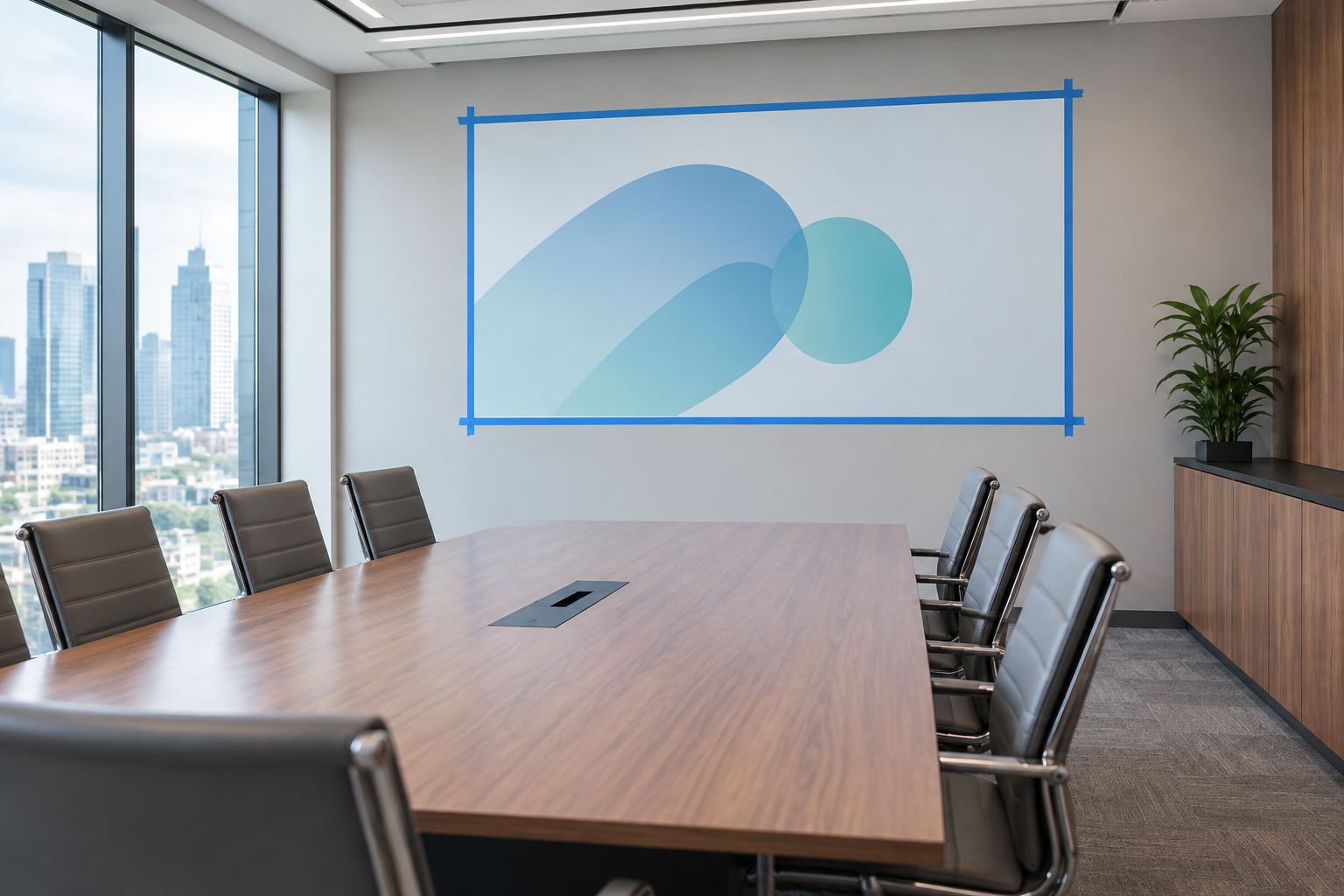
- Mark the intended image boundary with removable tape.
- Sit in each regular attendee position.
- Check clearance around lights and ceiling fixtures.
- Record the available projector mounting position.
3. Control daylight before choosing the surface
Test the room with its existing window coverings before buying anything. Observe the screen wall during the hours when presentations happen. Direct sunlight on the image and bright windows beside it create different problems, so record them separately.
A screen surface cannot replace a daylight plan. Ambient-light-rejecting surfaces redirect some light according to their design, but their performance depends on the projector position, incoming light, and viewing angles. Ask for a demonstration under your room's actual conditions.
For homeowners, Olsson Smart Shades is a fit for custom-measured, professionally installed window treatments in Columbus and Central Ohio. The stated services include motorized smart shades. For a corporate project, use the quote request to describe the room and confirm whether the requested commercial work is within scope; do not assume projection equipment or AV integration is included.
- Observe daylight during regular meeting hours.
- Note direct sun separately from general brightness.
- Test existing blinds or shades fully closed.
- Keep enough room lighting for notes and movement.
- Request screen samples or an in-room demonstration.
4. Match the image format and screen material
Check the projector and source settings before selecting a screen shape. A 16:9 image and a 16:10 image have different proportions. A screen chosen without checking the actual output can leave unused areas or force an unwanted sizing compromise.
Full HD describes an image measuring 1920 pixels wide by 1080 pixels high. That specification does not establish whether your spreadsheet is readable: source scaling, projected image size, focus, and seat position still matter. Test the complete signal path using the settings employees will use.
For your 2026 specification, name the exact projector model and proposed screen material together. Standard-throw and ultra-short-throw projectors are not interchangeable screen-selection cases. Confirm the material's intended projector geometry with its manufacturer.
- Match screen proportions to the main presentation format.
- Record source output and projector native resolution.
- Test document scaling at normal meeting settings.
- Check material suitability for the projector type.
- Compare image brightness from central and side seats.
5. Choose the mounting and operating method
Decide what must happen to the wall when the projector is off. A dedicated presentation wall supports a fixed-frame screen. A wall that also holds a whiteboard or serves another purpose calls for a different arrangement.
A manual retractable screen avoids a motor and its power requirement, but someone must reach and operate it. A motorized retractable screen changes that task to a control action; it also introduces electrical and control requirements. Neither option removes the need for secure mounting and clearance.
For a 2026 installation, settle responsibilities before ordering. Ask who checks the mounting structure, provides power, coordinates ceiling work, and sets the screen's travel limits. Put these tasks in the written scope so they do not become assumptions between contractors.
- Confirm whether the screen stays visible between meetings.
- Check wall or ceiling mounting conditions.
- Identify safe access for manual operation.
- Document power and control requirements for motorization.
- Assign mounting, electrical, and commissioning responsibilities.
6. Test the room and write the handoff
Use the current setup for a trial meeting before approving replacements. Present the actual files, sit at the farthest seat, and change between sources. This establishes which problems come from the screen and which come from the room or signal settings.
Include daylight in the acceptance test. Closing a shade is not the same as eliminating light around its edges. The problem of managing light gaps around blinds applies to the meeting-room brief too: inspect the full window opening rather than judging the fabric alone. Record where remaining light reaches the screen.
Then test the room as an ordinary employee would use it. Avoid a demonstration that depends on a specialist's laptop, remembered settings, or an undocumented sequence of controls. A working handoff should make the normal meeting sequence clear.
Finish your 2026 acceptance check with written results. Keep the approved source settings and screen position together so later troubleshooting starts from a known configuration.
- Read the smallest required text from the farthest seat.
- Inspect window edges under presentation conditions.
- Check side-seat brightness and image visibility.
- Switch between the intended source devices.
- Write the startup and shutdown sequence.
- Name the person responsible for support.
Compare conference room screen options
Choose the screen arrangement first, then assess its surface material. A fixed or retractable mechanism describes how the screen mounts and moves; an ambient-light-rejecting surface describes optical behavior. They are not competing categories at the same level.
The table separates those decisions. Each option has a practical benefit and a limitation that belongs in the project brief.
| Option | Best for | Main benefit | Key limitation |
|---|---|---|---|
| Fixed-frame screen | Dedicated presentation walls | Remains in its installed position without a deployment step | Occupies the wall between meetings |
| Manual retractable screen | Shared walls with reachable operation | Retracts without motor power | Requires physical access and manual operation |
| Motorized retractable screen | Shared rooms needing controlled deployment | Deploys through a control rather than a manual pull | Requires planning for power, controls, and service access |
| Matte-white surface | Rooms where presentation lighting is controlled | Offers a straightforward surface to assess with the projector | Does not selectively reject ambient light |
| Ambient-light-rejecting surface | Rooms with light that cannot all be removed | Redirects light according to its optical design | Suitability depends on light direction, projector geometry, and seating |
Keep fixed-frame screens on the shortlist for dedicated walls and retractable screens for shared walls. Choose between surface materials only after testing the lighting conditions. That order prevents a material specification from hiding a more basic layout problem.
For window control, Olsson Smart Shades offers custom shades and motorized smart shades for homeowners. Confirm any office inquiry separately, including whether the request concerns window treatments, a screen, or coordination with an AV installer.
Common mistakes corporate conference room buyers make
Choosing the largest screen that fits
Wall area is only one constraint. A larger image also needs suitable projector placement and unobstructed sightlines. Start with required text readability, then check that the room can support the resulting image.
Approving a video demonstration instead of meeting documents
Video does not test spreadsheet cells, footnotes, or shared-document text. Bring real files to the demonstration and use ordinary presentation settings. Require a seated viewing check rather than approving the image while standing beside the projector.
Treating all room brightness as the same problem
Direct sun on the screen, bright side windows, and ceiling lights need different responses. Document the source and direction of unwanted light. Do not approve a surface based only on the label used to describe it.
Assuming motorized means integrated
A motorized screen has a powered movement mechanism. That fact alone does not establish compatibility with a room controller, projector trigger, or building system. Require written confirmation of the proposed control method and included components.
Leaving ownership unclear after installation
A facilities team, IT team, electrician, and installer can each finish a task without anyone owning the complete room. Assign one acceptance lead. That person should confirm the screen, projector, window coverings, sources, and operating instructions work together.
FAQ
What's the best projection screen for a corporate conference room?
The best screen is the one that makes your actual meeting documents readable from every required seat under normal room lighting. Choose the mounting style around wall use, then test the material with the intended projector.
Is a fixed screen better than a motorized screen for meetings?
A fixed screen suits a dedicated presentation wall, while a motorized retractable screen suits a wall that needs to remain available between meetings. Motorization adds power and control requirements, so it is not automatically the simpler installation.
Do conference rooms need an ambient-light-rejecting screen?
An ambient-light-rejecting screen is not a universal requirement. Test the proposed surface with the room's light direction, projector position, and side seats before choosing it over a matte-white surface.
How big should a conference room projection screen be?
Size the image around the smallest required text and the farthest viewing position. Confirm the choice with actual documents, then check wall clearance, seated sightlines, and the projector's installation requirements.
Can motorized shades help a conference room projection system?
Motorized shades can reduce incoming daylight when the selected fabric and installation suit the opening. They do not establish screen compatibility or guarantee the elimination of light at the window edges.
Does Olsson Smart Shades install corporate AV projection systems?
Confirm corporate AV project scope directly with Olsson Smart Shades before planning an installation. Its stated services cover custom window treatments and motorized smart shades for homeowners in Columbus and Central Ohio; those services do not establish corporate projector or control-system installation.
What should a conference room screen quote include?
A useful quote identifies the screen dimensions, material, mounting method, and included installation work. For powered screens, ask it to identify power provision, controls, commissioning, and responsibility for coordination with the projector.
One last thing
Keep one difficult presentation file as the room's reference test. Include the smallest text and most detailed chart your team genuinely uses. In 2026, a saved test file and an agreed viewing position give you a repeatable way to check changes—without relying on whether a picture looks impressive.